← Back to gallery
SVGFeatured

SVG Path Illustration Scene

Scene-scale SVG illustration with multiple paths drawing in a choreographed sequence, then optionally filling. Three scenes — a city skyline, a constellation, and a botanical sketch — each authored as a single self-contained SVG.

svg-pathstroke-dasharrayscene-illustrationpath-sequenceanimation-delaysingle-svgprefers-reduced-motion

Hand-curated SVG · Ocean illustrations

SVG Path Illustration Scene

12 hand-curated ocean illustration scenes. Each is a self-contained SVG (viewBox 680×430) with embedded @keyframes — drift, shimmer, pulse, cloud, fly, glow — composing layered ambient motion that breathes naturally.

Twilight lagoon · Curved horizons

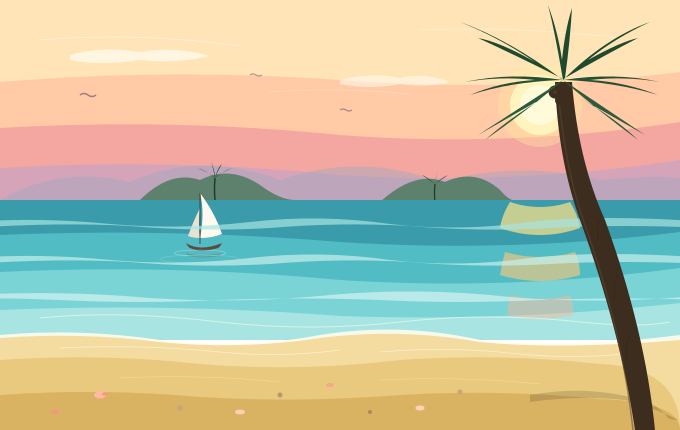
Twilight Lagoon

A twilight lagoon traced in flowing curves. Sky, water, and headland boundaries meet in soft cubic arcs while gentle foam and ripple lines drift across the surface. Palm silhouettes and a small sailboat anchor the scene.

  • lagoon
  • curves
  • twilight

Golden hour · Long light

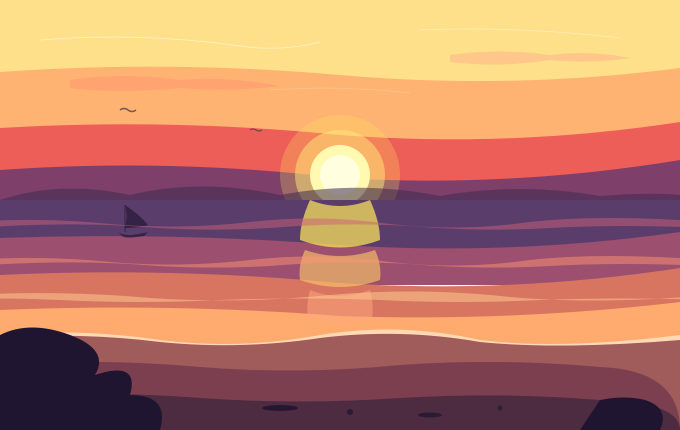
Golden Sunset

A large sun rests on the horizon as golden light stretches long across the calm water. The sky transitions yellow → orange → magenta, with a small distant boat lending a warm, contemplative serenity.

  • sunset
  • golden hour
  • serene

Big break · Spray + foam

Crashing Wave

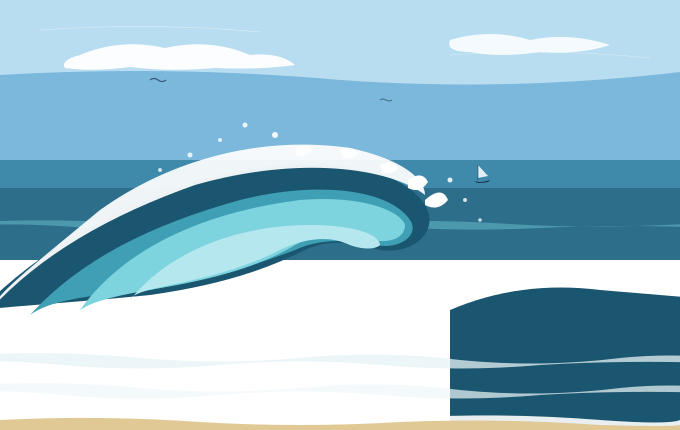
Daylight at sea — a giant wave curls and breaks, sending white spray scattering in every direction. A distant boat and the broken-foam rhythm carry strong kinetic energy.

  • wave
  • spray
  • high energy

Palm silhouette · Tropical dusk

Palm Silhouette Dusk

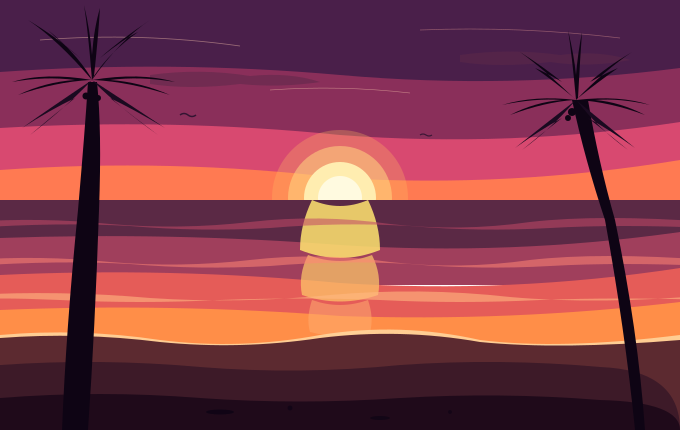
Two palm trees frame the composition while a massive sun hangs on the horizon, its light pouring across the water. Stark palm silhouettes carved against a deep magenta-and-coral sky.

  • palm
  • silhouette
  • tropical

Underwater · Light shafts

Sunlit Underwater

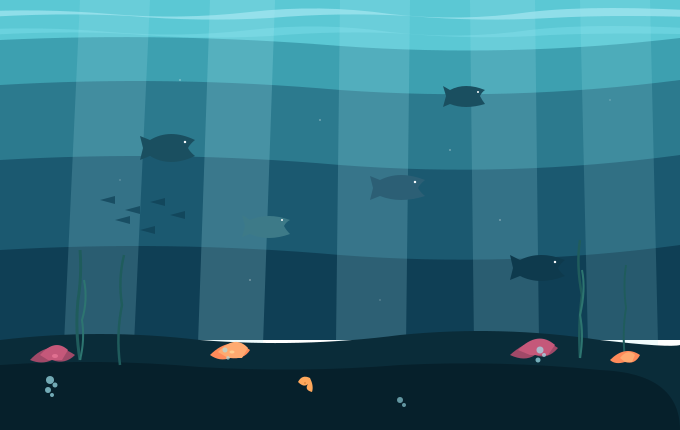
Below the surface, sunlight filters down in rays while fish, coral, and rising bubbles share the scene. Cyan-to-deep-blue gradients with delicate light shafts create quiet, living depth.

  • underwater
  • light shafts
  • fish

Moonlit night · Lighthouse beam

Moonlit Night Sea

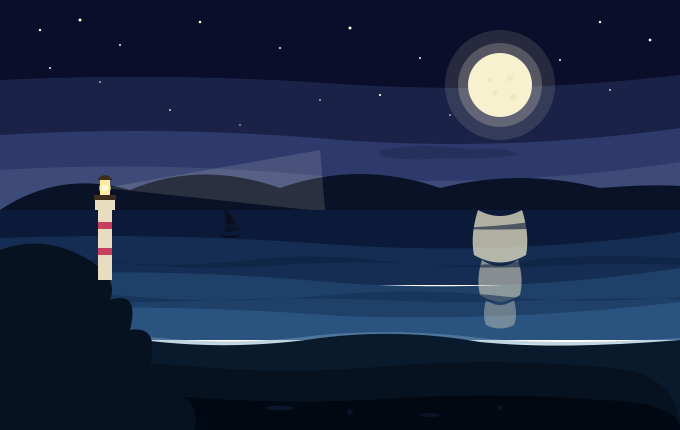
Stars twinkle and a lighthouse beam slowly sweeps across a calm sea, with moonlight pooling on the water. Steady deep-indigo tones and pulsing stars give a still, contemplative depth.

  • night
  • moonlight
  • lighthouse

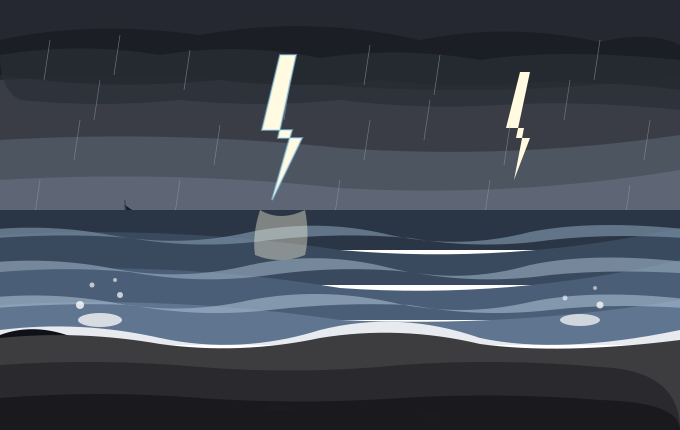
Storm · Lightning + rain

Stormy Sea

Heavy clouds gather and lightning fractures the sky as waves slam into the cliffs and spray erupts upward. Grey-toned sky, sea, rain streaks, and flashing strikes carry tense drama.

  • storm
  • lightning
  • dramatic

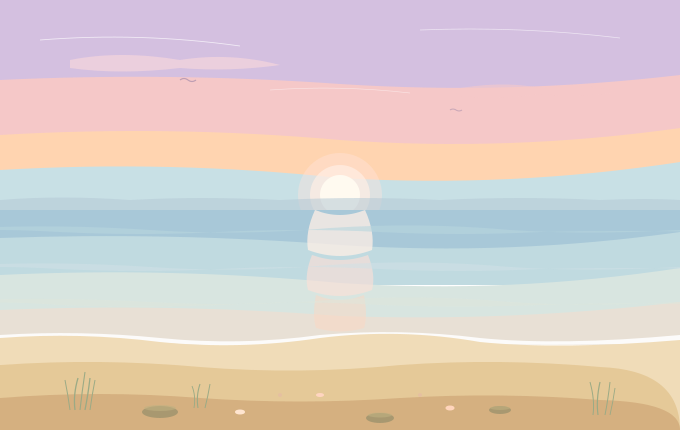
Dawn · Soft pastels

Pastel Dawn Beach

First light. Soft pastel hues wash the sky and a glassy sea while beach grass tips into view. Lilac → peach → mint gradients carry a warm, near-silent calm.

  • dawn
  • pastel
  • serene

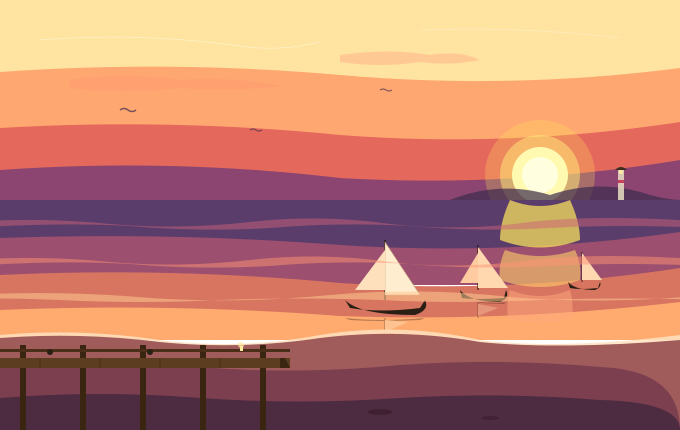
Harbor · Sailboats at dusk

Twilight Harbor

Sunset at the harbor — moored sailboats sway against a setting sun while harbor lamps flicker. Pier columns and gently swaying sails keep the scene alive.

  • harbor
  • sailboats
  • dusk

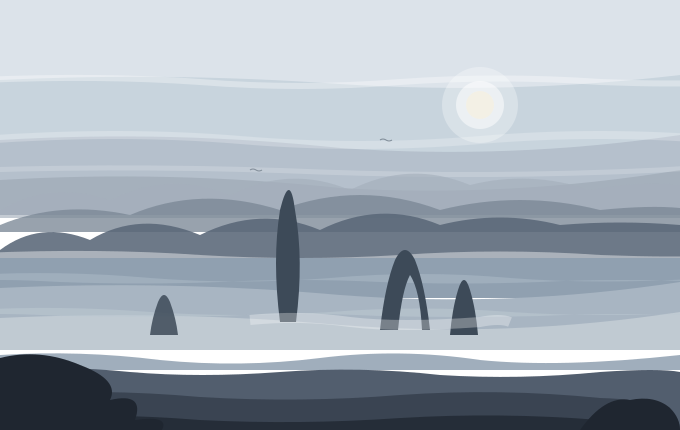
Misty cliffs · Layered depth

Misty Cliffs

Layered cliffs recede into a silver haze as still waters reveal a small rocky islet. Drifting mist bands create a strong sense of distance and cool stillness.

  • mist
  • cliffs
  • depth

Bioluminescent · Glowing waves

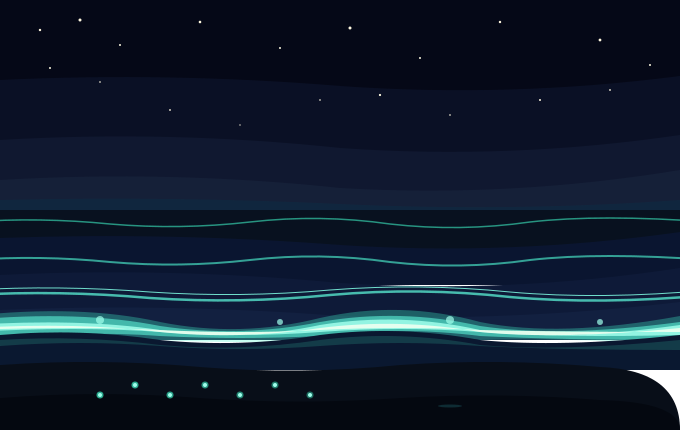
Bioluminescent Waves

Midnight beach — breaking waves and footprints in the sand glow turquoise. A starry sky above and luminous wave lines below build a quiet, mystical mood.

  • bioluminescence
  • glow
  • mystery

Breaching whale · Splash burst

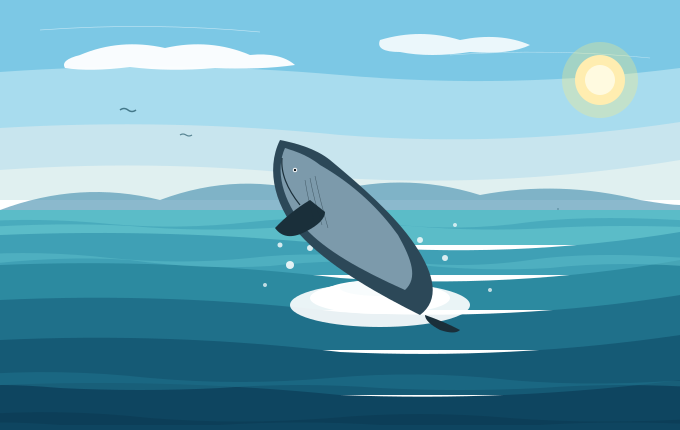
Breaching Whale

Clear day, deep blue ocean — a humpback whale breaches the surface as spray bursts in every direction. Detailed whale texture and an explosive splash create the scene's climax.

  • whale
  • breach
  • splash

Scene inspector

Twilight Lagoon

  • lagoon
  • curves
  • twilight

A twilight lagoon traced in flowing curves. Sky, water, and headland boundaries meet in soft cubic arcs while gentle foam and ripple lines drift across the surface. Palm silhouettes and a small sailboat anchor the scene.

Helped you ship something? 🐟 Send my cat a churu

<svg width="100%" viewBox="0 0 680 430" role="img" xmlns="http://www.w3.org/2000/svg">
  <title>Twilight Lagoon</title>
  <desc>A twilight lagoon traced in flowing curves — sky, water, and headlands meet in soft cubic arcs while gentle foam and ripple lines drift across the surface.</desc>
<path d="M0,0 H680 V100 H0 Z" fill="#FFE4B8"/>
  <path d="M0,82 Q170,68 340,80 Q510,93 680,72 V160 H0 Z" fill="#FFCAA5"/>
  <path d="M0,128 Q170,118 340,135 Q510,148 680,122 V195 H0 Z" fill="#F4A6A0"/>
  <path d="M0,168 Q170,158 340,175 Q510,186 680,160 V200 H0 Z" fill="#D6A4B8"/>
  <path d="M40,40 Q140,32 240,46" stroke="#FFFCF0" stroke-width="0.8" fill="none" opacity="0.55"/>
  <path d="M420,30 Q520,26 620,38" stroke="#FFFCF0" stroke-width="0.7" fill="none" opacity="0.45"/>
  <path d="M270,92 Q340,87 410,94" stroke="#FFFCF0" stroke-width="0.6" fill="none" opacity="0.4"/>
  <g style="transform-origin:540px 105px;animation:pulse 6s ease-in-out infinite">
    <circle cx="540" cy="105" r="42" fill="#FFEDA0" opacity="0.35"/>
    <circle cx="540" cy="105" r="30" fill="#FFF4BD"/>
    <circle cx="540" cy="105" r="20" fill="#FFFAD9"/>
  </g>
  <g class="cloud" opacity="0.75"><path d="M70,55 Q100,46 140,52 Q175,46 210,56 Q175,64 140,60 Q100,66 70,60 Z" fill="#FFFCF0"/></g>
  <g class="cloud" style="animation-delay:6s" opacity="0.55"><path d="M340,80 Q370,72 400,78 Q425,72 450,82 Q425,88 400,84 Q370,90 340,84 Z" fill="#FFFCF0"/></g>
  <g style="animation:fly 18s ease-in-out infinite"><path d="M80,95 q4,-3 8,0 q4,3 8,0" stroke="#5C4A6E" stroke-width="1.5" fill="none" opacity="0.6"/></g>
  <g style="animation:fly 22s ease-in-out infinite 3s"><path d="M250,75 q3,-2 6,0 q3,2 6,0" stroke="#5C4A6E" stroke-width="1.2" fill="none" opacity="0.5"/></g>
  <g style="animation:fly 20s ease-in-out infinite 8s"><path d="M340,110 q3,-2 6,0 q3,2 6,0" stroke="#5C4A6E" stroke-width="1.2" fill="none" opacity="0.55"/></g>
  <path d="M0,200 Q60,165 130,182 Q200,150 280,180 Q360,152 440,182 Q520,160 600,180 Q650,175 680,178 V210 H0 Z" fill="#9AA8C4" opacity="0.4"/>
  <path d="M140,200 Q170,170 200,180 Q230,165 260,185 Q280,200 295,200 Z" fill="#4D7B5E" opacity="0.85"/>
  <path d="M380,202 Q415,170 445,182 Q475,168 500,190 Q510,202 520,202 Z" fill="#4D7B5E" opacity="0.85"/>
  <g style="transform-origin:215px 188px;animation:sway-s 6s ease-in-out infinite">
    <path d="M215,200 Q214,189 215,178" stroke="#1F3A2C" stroke-width="1.5" fill="none"/>
    <path d="M215,178 Q205,170 198,168 Q207,172 213,176 Z" fill="#1F3A2C"/>
    <path d="M215,178 Q225,170 232,168 Q223,172 217,176 Z" fill="#1F3A2C"/>
    <path d="M215,178 Q213,167 211,162 Q214,168 215,176 Z" fill="#1F3A2C"/>
    <path d="M215,178 Q218,167 222,164 Q218,170 216,176 Z" fill="#1F3A2C"/>
  </g>
  <g style="transform-origin:435px 192px;animation:sway-s 7s ease-in-out infinite .8s">
    <path d="M435,202 Q434,193 435,184" stroke="#1F3A2C" stroke-width="1.3" fill="none"/>
    <path d="M435,184 Q427,177 422,175 Z" fill="#1F3A2C"/>
    <path d="M435,184 Q443,177 448,175 Z" fill="#1F3A2C"/>
    <path d="M435,184 Q436,176 437,172 Z" fill="#1F3A2C"/>
  </g>
  <path d="M0,200 H680 V250 H0 Z" fill="#3A9CAB"/>
  <path d="M0,235 Q170,228 340,242 Q510,253 680,232 V285 H0 Z" fill="#52BCC4"/>
  <path d="M0,272 Q170,264 340,280 Q510,291 680,268 V320 H0 Z" fill="#7AD4D6"/>
  <path d="M0,310 Q170,303 340,316 Q510,322 680,303 V340 H0 Z" fill="#A8E5E2"/>
  <path class="shim" d="M510,202 Q540,212 570,202 Q578,215 580,228 Q540,242 500,228 Q502,215 510,202 Z" fill="#FFE48A" opacity="0.7"/>
  <path class="shim-d" d="M505,252 Q540,262 575,252 Q580,263 580,275 Q540,287 500,275 Q502,263 505,252 Z" fill="#FFC97A" opacity="0.6"/>
  <path class="shim" d="M510,295 Q540,303 570,295 Q574,305 573,315 Q540,323 507,315 Q508,305 510,295 Z" fill="#FFB495" opacity="0.45" style="animation-delay:1.5s"/>
  <g style="transform-origin:200px 232px;animation:boat 4.5s ease-in-out infinite">
    <path d="M200,193 Q205,213 200,238 Q212,238 222,234 Q215,213 200,193 Z" fill="#FFFAF0"/>
    <path d="M200,208 Q198,224 200,238 Q193,238 188,236 Q193,222 200,208 Z" fill="#EAE2D0"/>
    <path d="M200,193 Q200,218 200,244" stroke="#3A2E2B" stroke-width="0.8" fill="none"/>
    <path d="M186,243 Q200,252 222,243 Q220,247 218,248 Q200,253 190,248 Q188,247 186,243 Z" fill="#5C4A3F"/>
  </g>
  <path d="M186,253 Q200,257 222,253 Q221,255 220,256 Q200,259 188,256 Q187,255 186,253 Z" fill="#5C4A3F" opacity="0.25"/>
  <ellipse class="ripple" cx="200" cy="253" rx="26" ry="3" stroke="#FFFCEC" stroke-width="0.5" fill="none" opacity="0.45"/>
  <ellipse class="ripple" cx="200" cy="259" rx="40" ry="4" stroke="#FFFCEC" stroke-width="0.4" fill="none" opacity="0.3" style="animation-delay:1.5s"/>
  <path class="drift" d="M-30,222 Q40,217 110,224 Q180,230 250,222 Q320,214 390,224 Q460,232 530,222 Q600,214 710,222 V228 Q620,224 550,228 Q480,232 410,226 Q340,222 270,228 Q200,232 130,226 Q60,222 -30,228 Z" fill="#A8E5E2" opacity="0.7"/>
  <path class="drift-r" d="M-30,258 Q40,253 110,260 Q180,266 250,258 Q320,250 390,260 Q460,268 530,258 Q600,250 710,258 V264 Q620,260 550,264 Q480,268 410,262 Q340,258 270,264 Q200,268 130,262 Q60,258 -30,264 Z" fill="#C8F0EC" opacity="0.7"/>
  <path class="drift-s" d="M-30,295 Q60,290 150,298 Q240,304 330,295 Q420,287 510,297 Q600,305 710,295 V300 Q620,297 540,300 Q460,304 380,300 Q300,297 220,300 Q140,304 60,300 Q-10,297 -30,300 Z" fill="#DBF5F1" opacity="0.65"/>
  <path d="M40,318 Q120,310 220,322 Q310,332 400,322 Q490,312 580,322 Q640,328 670,322" stroke="#FFFCEC" stroke-width="1" fill="none" opacity="0.55"/>
  <path class="shim" d="M0,335 Q80,328 160,340 Q240,350 320,335 Q400,322 480,340 Q560,350 680,335 V346 Q560,350 480,344 Q400,336 320,346 Q240,352 160,344 Q80,336 0,344 Z" fill="#FFFCEC" opacity="0.9"/>
  <path d="M0,338 Q80,332 160,342 Q240,350 320,338 Q400,328 480,342 Q560,350 680,340 V430 H0 Z" fill="#F4DCA0"/>
  <path d="M0,360 Q100,353 200,364 Q300,372 400,360 Q500,353 600,364 Q680,367 680,430 H0 Z" fill="#E8C97D"/>
  <path d="M0,395 Q100,388 200,397 Q300,403 400,395 Q500,389 600,399 Q680,402 680,430 H0 Z" fill="#D9B262"/>
  <path d="M60,348 Q140,344 220,352 Q280,358 340,350" stroke="#FFFCEC" stroke-width="0.7" fill="none" opacity="0.65"/>
  <path d="M380,352 Q450,346 520,354 Q580,360 640,352" stroke="#FFFCEC" stroke-width="0.7" fill="none" opacity="0.6"/>
  <path d="M120,378 Q200,374 280,382" stroke="#FFFCEC" stroke-width="0.5" fill="none" opacity="0.4"/>
  <path d="M380,380 Q460,376 540,384" stroke="#FFFCEC" stroke-width="0.5" fill="none" opacity="0.4"/>
  <path d="M530,395 Q580,386 625,396 Q655,400 668,418 Q672,420 678,420 Q655,408 625,400 Q580,395 530,402 Z" fill="#3A2E1F" opacity="0.18"/>
  <ellipse cx="100" cy="395" rx="6" ry="3.5" fill="#FFB9A0"/>
  <ellipse cx="105" cy="394" rx="3" ry="1.5" fill="#F89580"/>
  <ellipse cx="240" cy="412" rx="5" ry="2.5" fill="#FFCDB4"/>
  <ellipse cx="330" cy="385" rx="4" ry="2" fill="#F4A988"/>
  <ellipse cx="420" cy="408" rx="4.5" ry="2.5" fill="#FFD4BB"/>
  <ellipse cx="55" cy="412" rx="3.5" ry="2" fill="#F89580"/>
  <circle cx="180" cy="408" r="3" fill="#C9A876"/>
  <circle cx="280" cy="395" r="2.5" fill="#B89968"/>
  <circle cx="370" cy="412" r="2" fill="#A88A58"/>
  <circle cx="460" cy="392" r="2.5" fill="#C9A876"/>
  <g style="transform-origin:642px 430px;animation:sway 5s ease-in-out infinite">
    <path d="M635,430 Q620,330 580,220 Q558,160 555,82 Q564,82 572,82 Q578,160 605,220 Q645,330 655,430 Z" fill="#3D2D1F"/>
    <path d="M633,430 Q622,330 585,225 Q565,170 558,90" stroke="#5C4530" stroke-width="1.5" fill="none" opacity="0.55"/>
    <path d="M627,360 Q625,340 630,335" stroke="#2A1F15" stroke-width="0.6" fill="none" opacity="0.6"/>
    <path d="M615,300 Q613,280 618,275" stroke="#2A1F15" stroke-width="0.6" fill="none" opacity="0.6"/>
    <path d="M598,240 Q596,225 601,220" stroke="#2A1F15" stroke-width="0.6" fill="none" opacity="0.6"/>
    <circle cx="555" cy="92" r="6.5" fill="#3D2D1F"/>
    <circle cx="566" cy="90" r="5.5" fill="#3D2D1F"/>
    <circle cx="560" cy="100" r="5" fill="#3D2D1F"/>
    <circle cx="555" cy="92" r="2" fill="#5C4530" opacity="0.5"/>
    <path d="M563,80 Q510,40 460,22 Q500,38 535,62 Q500,42 478,38 Q515,55 561,78 Z" fill="#1F4A2E"/>
    <path d="M563,80 Q605,38 650,22 Q615,38 588,60 Q620,42 638,38 Q605,55 565,78 Z" fill="#1F4A2E"/>
    <path d="M563,80 Q555,32 548,5 Q558,32 562,60 Q565,30 572,8 Q570,42 565,78 Z" fill="#1F4A2E"/>
    <path d="M563,80 Q615,72 660,82 Q625,76 590,80 Q625,82 658,95 Q615,82 565,80 Z" fill="#284E36"/>
    <path d="M563,80 Q510,72 465,82 Q500,76 535,80 Q500,82 470,95 Q510,82 561,80 Z" fill="#284E36"/>
    <path d="M563,80 Q605,108 645,135 Q610,115 580,98 Q615,118 638,140 Q600,112 565,82 Z" fill="#2D5A3D"/>
    <path d="M563,80 Q520,108 478,135 Q513,115 543,98 Q510,118 485,140 Q525,112 561,82 Z" fill="#2D5A3D"/>
  </g>
</svg>
How to make this

An animated SVG path illustration scene uses a fixed viewBox, layered vector shapes, and small transform or opacity keyframes so the artwork scales cleanly without losing semantic structure.

html
1<svg class="path-scene" viewBox="0 0 240 150"2  role="img" aria-labelledby="path-scene-title path-scene-desc">  <title id="path-scene-title">Animated lagoon scene</title>  <desc id="path-scene-desc">A calm ocean scene with drifting clouds and wave highlights.</desc>  <defs>    <linearGradient id="path-scene-sky" x1="0" x2="0" y1="0" y2="1">      <stop offset="0%" stop-color="#312e81" />      <stop offset="100%" stop-color="#0f766e" />    </linearGradient>  </defs>11  <rect width="240" height="150" fill="url(#path-scene-sky)" />  <circle class="path-scene__sun" cx="185" cy="42" r="18" />  <path class="path-scene__cloud"    d="M28 42c8-12 21-12 29 0 7-6 18-3 21 6H16c2-6 6-9 12-6z" />  <path class="path-scene__cliff"    d="M0 104c28-18 52-17 74-2 25 17 45 12 71-1 32-16 66-10 95 8v41H0z" />  <path class="path-scene__water"18    d="M0 92c32 7 56 7 87 0 30-7 58-7 91 0 24 5 43 5 62 0v58H0z" />  <path class="path-scene__shine"    d="M42 112c27 5 48 5 74 0m36 12c18 4 34 4 52 0" />  <path class="path-scene__boat"    d="M114 83l13-28 13 28h-26zm-10 3h46l-7 9h-31z" /></svg> <style>.path-scene {  width: min(100%, 360px);  display: block;  overflow: visible;  border-radius: 12px;  background: #0f172a;}.path-scene__sun {  fill: #fde68a;  opacity: .86;  animation: path-scene-sun-pulse 5s ease-in-out infinite;}.path-scene__cloud {  fill: rgba(255,255,255,.76);  animation: path-scene-cloud-drift 8s ease-in-out infinite alternate;}.path-scene__cliff { fill: #164e63; }.path-scene__water { fill: rgba(14, 165, 233, .72); }.path-scene__shine {  fill: none;  stroke: rgba(255,255,255,.72);  stroke-width: 3;  stroke-linecap: round;  stroke-dasharray: 40 26;50  animation: path-scene-shimmer 4s linear infinite;}.path-scene__boat { fill: #f8fafc; }@keyframes path-scene-cloud-drift {  to { transform: translateX(18px); }}@keyframes path-scene-sun-pulse {  50% { opacity: 1; transform: scale(1.06); }}@keyframes path-scene-shimmer {  to { stroke-dashoffset: -66; }}62@media (prefers-reduced-motion: reduce) {  .path-scene__sun,  .path-scene__cloud,  .path-scene__shine { animation: none; }}</style>

Annotated snippet

  1. Line 1The viewBox defines the scene coordinate system. It lets every path scale together while keeping the same composition at thumbnail, card, and full-width sizes.

    Same set of three paths (sun circle, cliff curve, water curve) authored at 0–240 × 0–150 coordinates. Same CSS rule shrinks the SVG to width: 180px. Without viewBox the browser uses the default 300 × 150 user-space coordinate window — the cliff and water paths drawn far to the right at x=240 fall outside, and the visible area only shows a sliver of the scene. With viewBox="0 0 240 150" the entire 240 × 150 authored region is mapped into the 180 × 112 rendered box, so every path scales together and the composition is preserved at any size.

    PitfallHow do I make SVG path scenes responsive?

    Author the scene in a stable viewBox and size the root SVG with CSS width. Do not rely on fixed width and height alone; without a viewBox, coordinates do not scale as an intentional illustration system.

  2. Line 2Use role, title, and desc when the illustration carries content. If the scene is purely decorative, replace this with aria-hidden and keep the explanatory text nearby.
    PitfallShould an animated SVG illustration use img or inline svg?

    Use inline SVG when page CSS needs to target inner paths, provide title/desc, or coordinate motion with the rest of the UI. Use an img when the SVG file is self-contained and you want its internal styles isolated from the page.

  3. Line 11Large background regions should be simple fills or gradients. Put the expensive detail in a few foreground paths so the SVG stays readable and cheap to repaint.
    PitfallCan animated SVG scenes hurt performance?

    Yes, especially if many large paths, filters, masks, or gradients repaint at once. Keep ambient motion on a small number of paths, prefer transform or stroke-dashoffset, and avoid animating heavy blur filters over the full canvas.

  4. Line 18Layer order is the composition. The water path comes after the cliff so it sits in front, while the boat and shine strokes can read as foreground detail.

    Same scene, same three foreground shapes (cliff, water, boat) with identical fills and paths. Only the document order differs. With water authored before cliff, the cliff renders on top of the water — the wave line cuts inland and the boat disappears behind the rock. With cliff first, water and boat after, the water sits in front of the coastline and the boat reads as floating on the sea. SVG has no z-index for this case; document order is the composition.

    PitfallCan animated SVG scenes hurt performance?

    Yes, especially if many large paths, filters, masks, or gradients repaint at once. Keep ambient motion on a small number of paths, prefer transform or stroke-dashoffset, and avoid animating heavy blur filters over the full canvas.

  5. Line 50Stroke dash motion is a good fit for wave highlights because it changes paint along an existing path. Avoid rewriting the path d attribute every frame for ambient motion.
    PitfallWhat SVG animations are safest across browsers?

    CSS transforms, opacity, stroke-dashoffset, and filter-free color changes are the safest choices. CSS animation of the path d attribute is still not a dependable cross-browser baseline for production scenes.

  6. Line 62Reduced motion turns off all ambient movement but leaves the static scene intact. The illustration should still communicate the same place without drifting clouds or shimmer.
    PitfallHow should prefers-reduced-motion apply to SVG illustrations?

    Pause decorative drift, pulse, shimmer, and looped path drawing. Keep the final artwork visible and keep any semantic title or surrounding copy unchanged so the reduced-motion state remains equivalent.

Notes

Overview

Scene-scale SVG illustrations draw multiple paths in a choreographed sequence (e.g. ground → building outlines → details → atmospheric flourishes) with per-path animation-delay values. Each path uses its own stroke-dasharray based on its own length so the draws look hand-paced regardless of path complexity.

When to use it

Reach for scene draws on landing pages, hero sections, and 404 / 500 error pages where a custom illustration carries the page. Skip it for any decorative scene over 30 paths — the cumulative animation budget will block interactive paint and TTI will suffer.

How it works

Each <path> in the scene has its own stroke-dasharray set via its own pathLength attribute, so the per-path draw duration normalizes regardless of path complexity. A shared @keyframes draw rule animates stroke-dashoffset to zero. Per-path animation-delay chains the segments in choreographed order — background first, foreground details last. After the draw, an optional fill phase adds color via fill-opacity transitions on path subgroups for an animated coloring-book effect.

Production gotchas

Path counts compound quickly — a moderately detailed scene easily reaches 30+ paths, each with its own keyframe instance. Above ~40 simultaneous animations the browser starts dropping frames on mid-range mobile. Use animation-fill-mode: forwards so each path stays in its final state after the draw completes; this also frees the compositor from holding the animation active. If the scene drives the LCP image, content-visibility: auto on the wrapper will defer paint of off-screen scenes, but verify the first scene is not deferred — misconfigured CV breaks LCP metrics.

Accessibility

Add an SVG <title> describing the illustration for screen readers, and set role="img" on the SVG so it is announced as a single image rather than a collection of path nodes. Under prefers-reduced-motion: reduce set allstroke-dashoffset values to zero (skip the animation entirely) and render the final illustration instantly. Verify the final scene meets standalone contrast against its surface.

References

Implementation depth

Scene drawings need a sequence hierarchy. Animate foreground landmarks, supporting lines, and small accents with deliberate delays so the user sees a composition assemble rather than a pile of unrelated strokes.

Keep all paths inside one SVG when possible. Cross-SVG timing is harder to reason about, and viewBox mismatches create alignment bugs. The reduced-motion state should render the complete illustration without the drawing timeline.